Command palette
Headtower is keyboard-first, and the command palette is how that promise is kept. It is the primary way to move around - not a power-user afterthought bolted onto mouse-driven navigation.
Open it
Press Cmd+K (or Ctrl+K) from anywhere in the console. Start typing and the palette narrows to match.
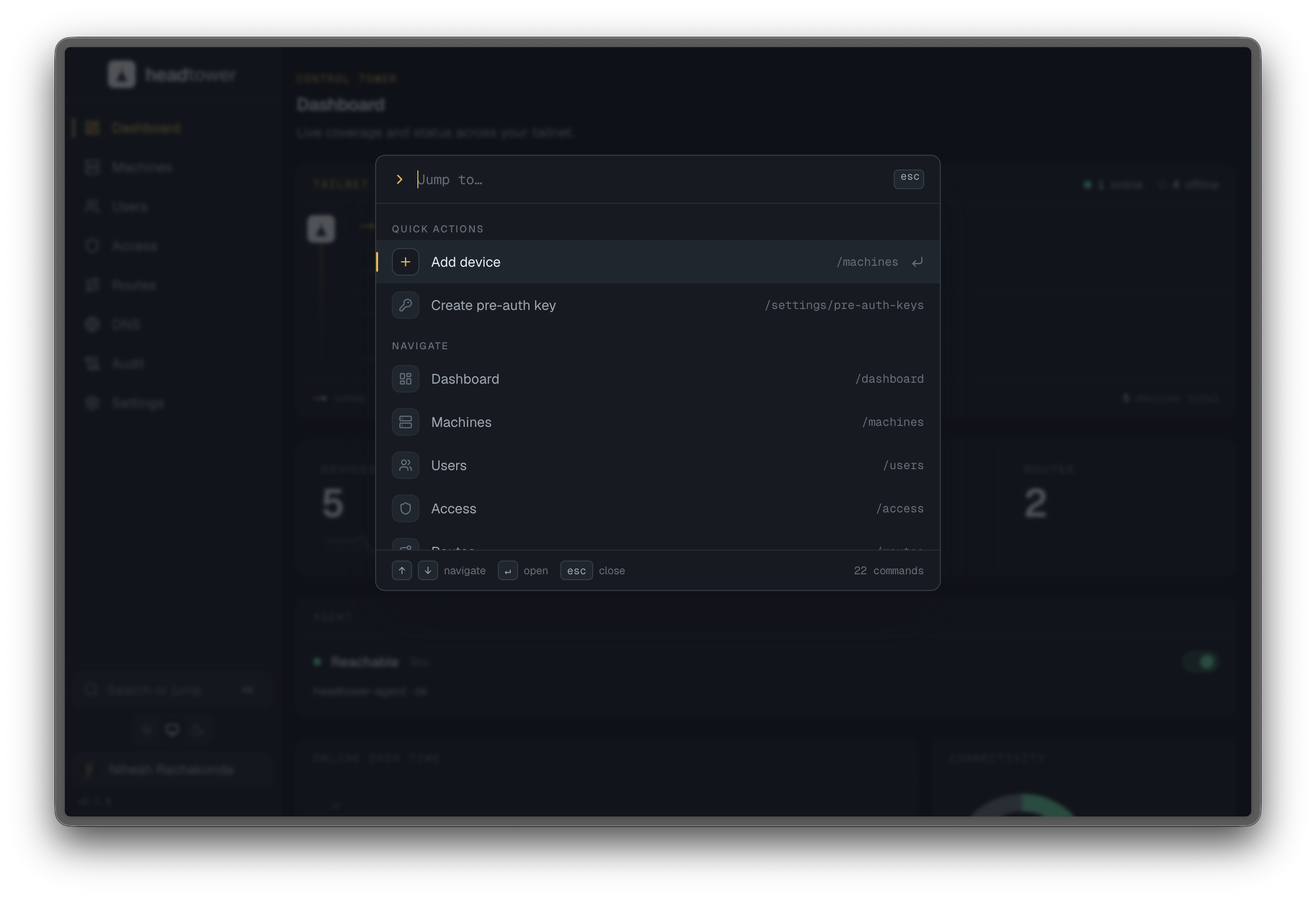
The palette is always one keystroke away. The intent is that you can run the whole console without reaching for the mouse - jump, filter, act, done.
What you can do from it
Results are grouped, top to bottom:
- Quick actions - add a device, create a pre-auth key - the things you’d otherwise hunt through a page for.
- Navigate - every view, by name.
- Settings - every settings section, by name.
- Devices - a live search over the current tailnet, matched by name, hostname, or tag, each result showing its online status.
- Recent activity - the last few audit-log entries, jump straight to one.
Why it leads
Operators do the same handful of things constantly: check a node, approve a route, rotate a key. A palette collapses “where is that screen?” into “what do I want to do?” - which is the faster question. It is the connective tissue between every other view, and it is why the rest of the console can stay quiet: the way through is always the same, and it is always at your fingertips.